|
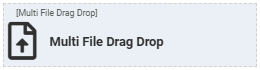
Multi File Drag Drop
Multi File Drag Drop
The One-to-Many File relationship field can be configured as a multi file drag drop for the web application.
This allows users to upload and download multiple files to a record.
Note: The multi file drag drop allows you to drop only ten files at a time.
Configuring a Multi File Drag Drop
- Navigate to Designer
 Forms and Views Forms and List Views and Open the form where the multi file drag drop widget needs to be configured. Refer to Form Designer. Forms and Views Forms and List Views and Open the form where the multi file drag drop widget needs to be configured. Refer to Form Designer. - From the "Form Elements" drag and drop the "Multi File Drag Drop" widget to the page/row where this needs to be configured.
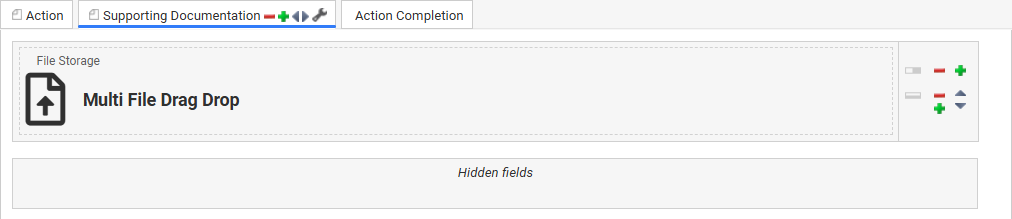
- From the Component Field and Relationships list, drag and drop the One-to-Many relationship to "File" component on top of the widget and save.
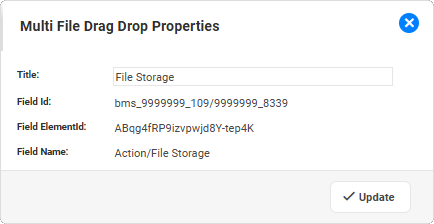
|


